
 HONG KONG SAUL

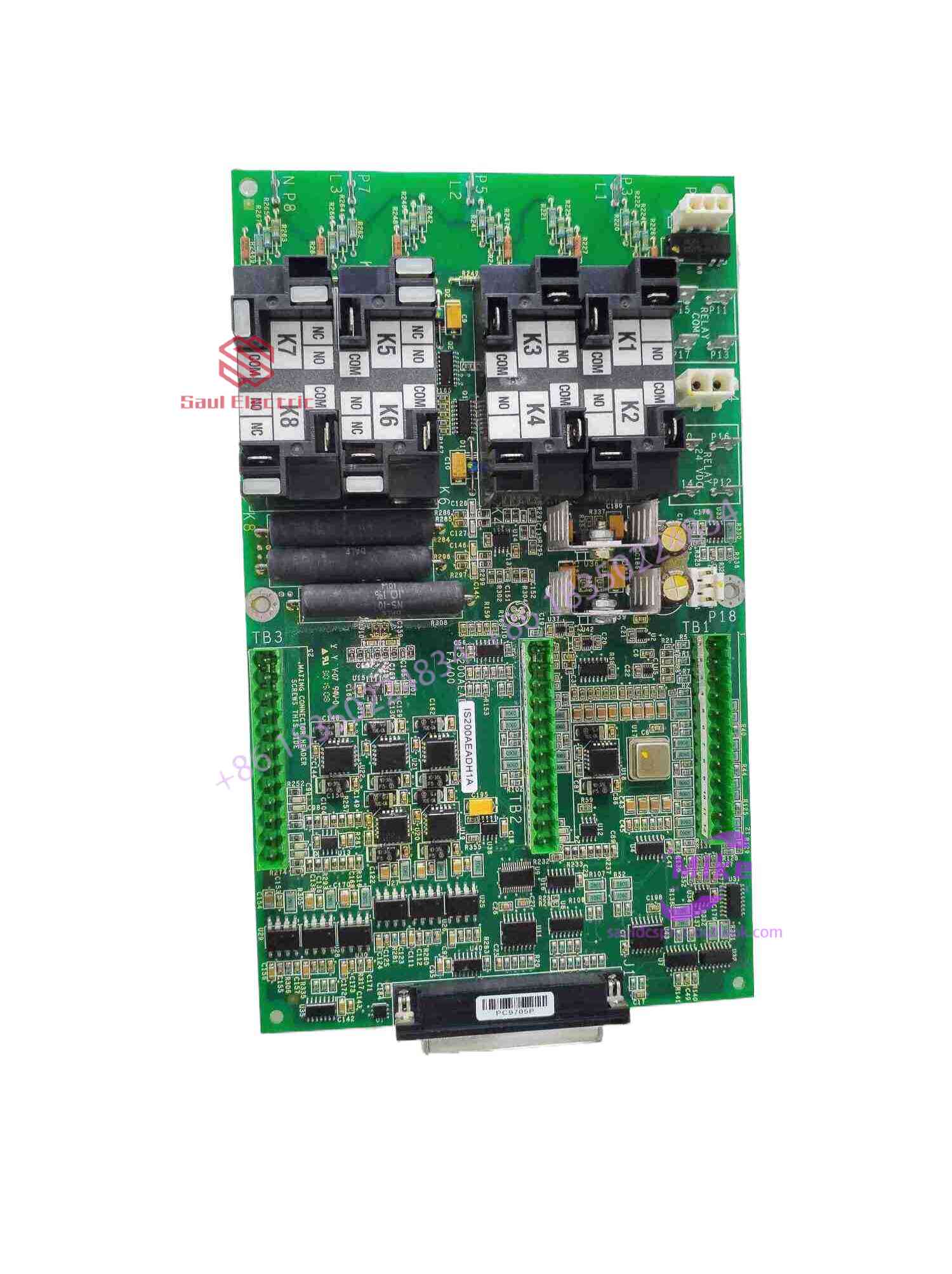
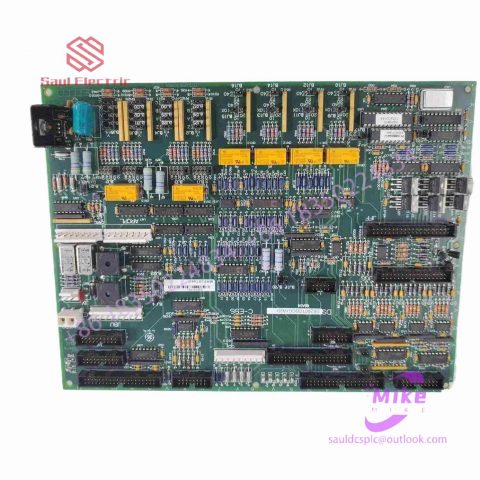
DS200DCFBG1BJB Turbine Control System
DS200DCFBG1BJB Product Introduction
Basic Information
Brand: GE (General Electric)
Model:DS200DCFBG1BJB
Part Number: DS200DCFBG1BJB
Series: Mark VIe Speedtronic Turbine Control System I/O Pack
Country of Origin: United States
Product Type: Discrete Input Module (Contact Input Module), also known as PDIA I/O Pack
contacts: Mike
+86 18350224834 (WeChat/WhatsApp)
Email:Mike18350224834@gmail.com
 Functional Overview
The DS200DCFBG1BJB is a 24-channel discrete (digital) input module in the GE Mark VIe control system. Its primary function is to collect discrete signals (contact open/close signals) generated by field devices such as sensors,
switches, and relays, convert them into digital signals that can be recognized and processed by the PLC or control system CPU,
and transmit the processed data to the GE Speedtronic turbine control system or other control equipment, enabling automated control and monitoring. Key Technical Specifications
Rated Voltage: 24.0 VDC (Nominal)
Maximum Rated Voltage: 28.6 VDC
Maximum Rated Contact Input Voltage: 32 VDC
Number of Input Channels: 24 Discrete Inputs
Operating Temperature Range: -30°C to +65°C
Environmental Adaptability: Passes rigorous environmental testing, capable of long-term stable operation in harsh industrial environments Compatible Terminal Boards
The DS200DCFBG1BJB can be paired with a variety of GE terminal boards, including but not limited to:
IS200STCIH1A / IS200STCIH2A
IS200STCIH8A
IS200TBCIH2C / IS200TBCIH4C
IS400STCIH1A / IS400STCIH2A / IS400STCIH8A
IS400TBCIH2C Certifications and Safety
This module is UL certified and can be used in both hazardous and non-hazardous locations. The UL certification covers various classes and divisions, and relevant UL mark documents are available for reference.
3. Capacitive touch screen
The capacitive touch screen is a transparent special metal conductive substance affixed to the glass surface. This inductive touch screen consists of five layers. The first layer is the bottom layer of glass, the second layer is the conductive layer, the third layer is the glass sensing layer, the fourth layer is the anti-reflective matte or glossy surface layer, and the fifth layer is the anti-noise protective layer. When a finger touches the surface of the capacitive touch screen, the induction method is that the voltage is connected to the four corners of the glass layer. The voltage is spread across the glass layer through the electrodes and a constant voltage electric field is established. At the same time, the capacitance of the contact will change. The frequency of the oscillator connected to it changes. By measuring the frequency change, the touch position can be determined to obtain information. Because the capacitance changes with temperature, humidity or grounding conditions, its stability is poor and drift often occurs. In addition, when the surface layer is touched, the current flows from the four corners of the glass layer, and the controller calculates the distance from where the current travels to the finger position, thereby determining the exact location of the touch.
4. Infrared touch screen
The working principle of this infrared touch screen is relatively simple. You only need to add a light point distance frame on the display. There is no need to add a coating on the screen surface or connect a controller. Then, infrared emitters are arranged on the four sides of the light point distance frame. With the receiving sensing element, an infrared detection network is formed on the screen surface. When any touching object touches a certain point on the screen, it will block the two horizontal and vertical infrared rays passing through that position, and the computer can instantly calculate the location of the touch point. Infrared touch screens are not interfered by current, voltage and static electricity, and are suitable for certain harsh environmental conditions. Since the infrared touch screen does not have a capacitive charge and discharge process during operation, the response speed is faster than the capacitive touch screen, but the resolution is lower.
Now that we know how the touch screen works, let’s talk about how to operate the touch screen in detail! In order to better help everyone operate the touch screen, the author has summarized some operating methods and techniques below:
1. If you are using a capacitive touch screen, it is recommended that when you use it for the first time, you first correctly install the driver required for the capacitive touch screen according to the instructions, and then click “Start” on the screen with your finger. /”Program”/”Microtouch Touchware” to run the screen calibration program. After the calibration is completed, the system automatically stores the calibrated data in the controller’s register. There is no need to calibrate the screen again after restarting the system.
2. If you change the display resolution or display mode of the touch screen while operating the capacitive touch screen, or adjust the refresh frequency of the touch screen controller yourself and feel that the cursor cannot correspond to the touch point, you must re-calibrate the touch screen. The system performs calibration operations.
3. In order to ensure the normal operation of the touch screen system, in addition to ensuring the correct installation of the system software, everyone must also remember not to install two or more touch screen drivers on one host. This will easily cause the system to run incorrectly. A conflict occurs, preventing the touch screen system from functioning properly.
4. When using a resistive touch screen, if you find that the cursor does not move or can only move in a local area, you can check whether the touch area of the touch screen is always pressed by other touching objects. For example, once the touch screen is pressed by the monitor shell or cabinet shell, If it stays, it means that a certain point has been touched, so the coordinate position fed back to the controller will be inaccurate, and of course the cursor cannot be positioned correctly. If the cabinet casing presses the touch area, you can increase the distance between the cabinet and the monitor screen. If the monitor casing presses the touch area, you can try to loosen the screws of the monitor casing a little.

There are no reviews yet.