
 HONG KONG SAUL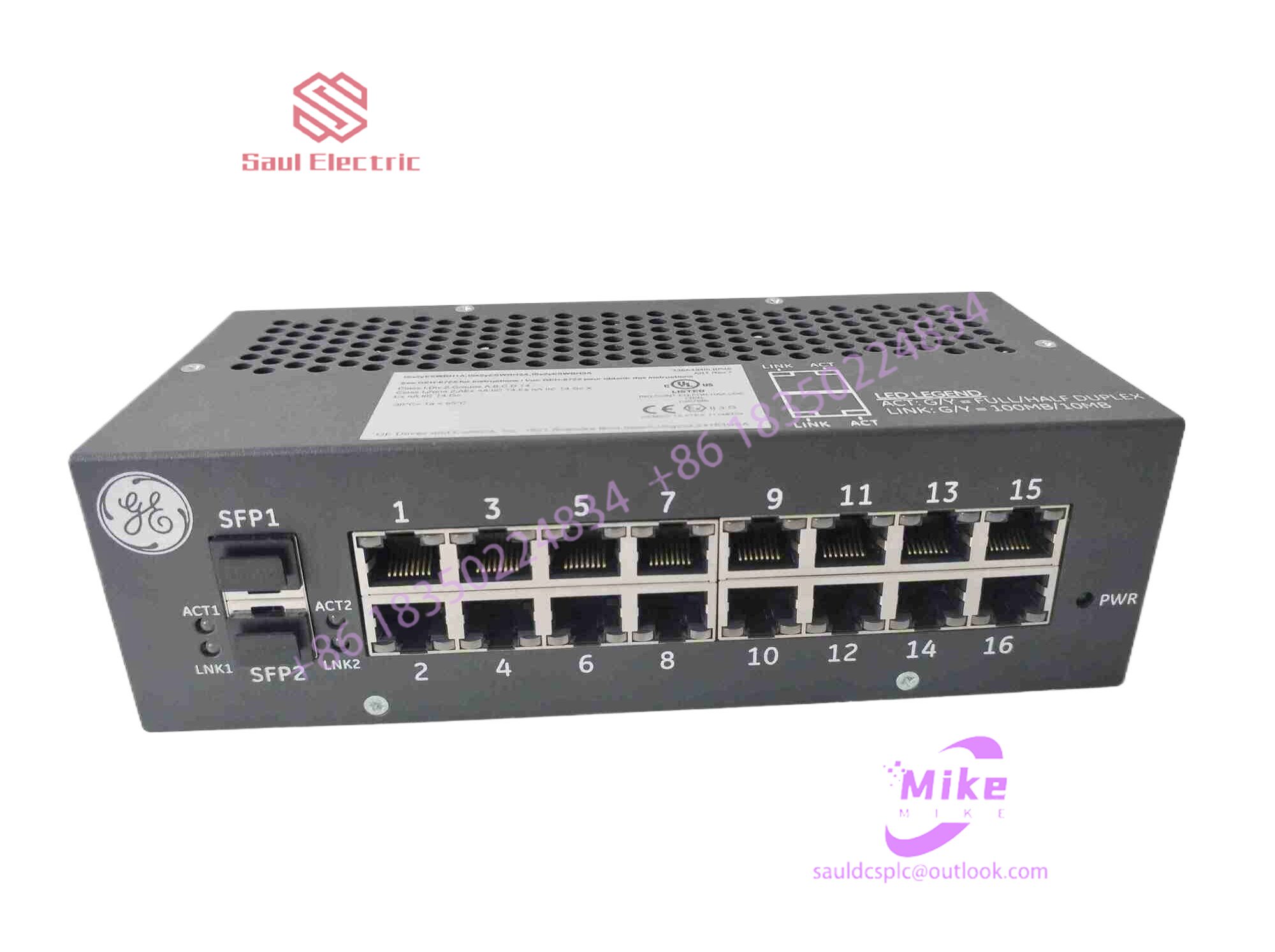
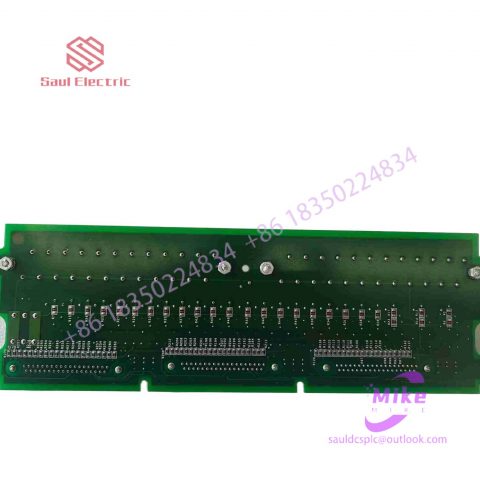
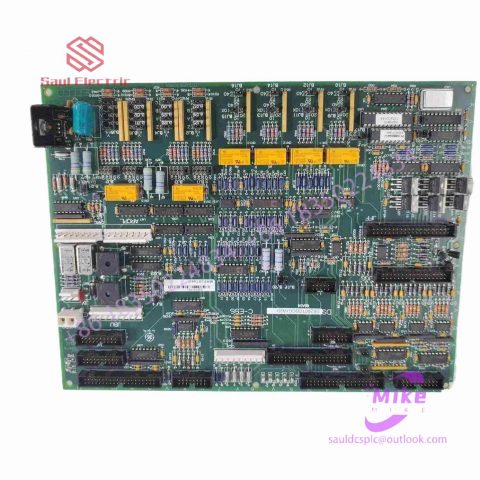
DS200FHVAG2ACA Mark VIe Speedtronic
DS200FHVAG2ACA Product Introduction
Basic Information
Brand: GE (General Electric)
Model:DS200FHVAG2ACA
Part Number: DS200FHVAG2ACA
Series: Mark VIe Speedtronic Turbine Control System I/O Pack
Country of Origin: United States
Product Type: Discrete Input Module (Contact Input Module), also known as PDIA I/O Pack
contacts: Mike
+86 18350224834 (WeChat/WhatsApp)
Email:Mike18350224834@gmail.com
 Functional Overview
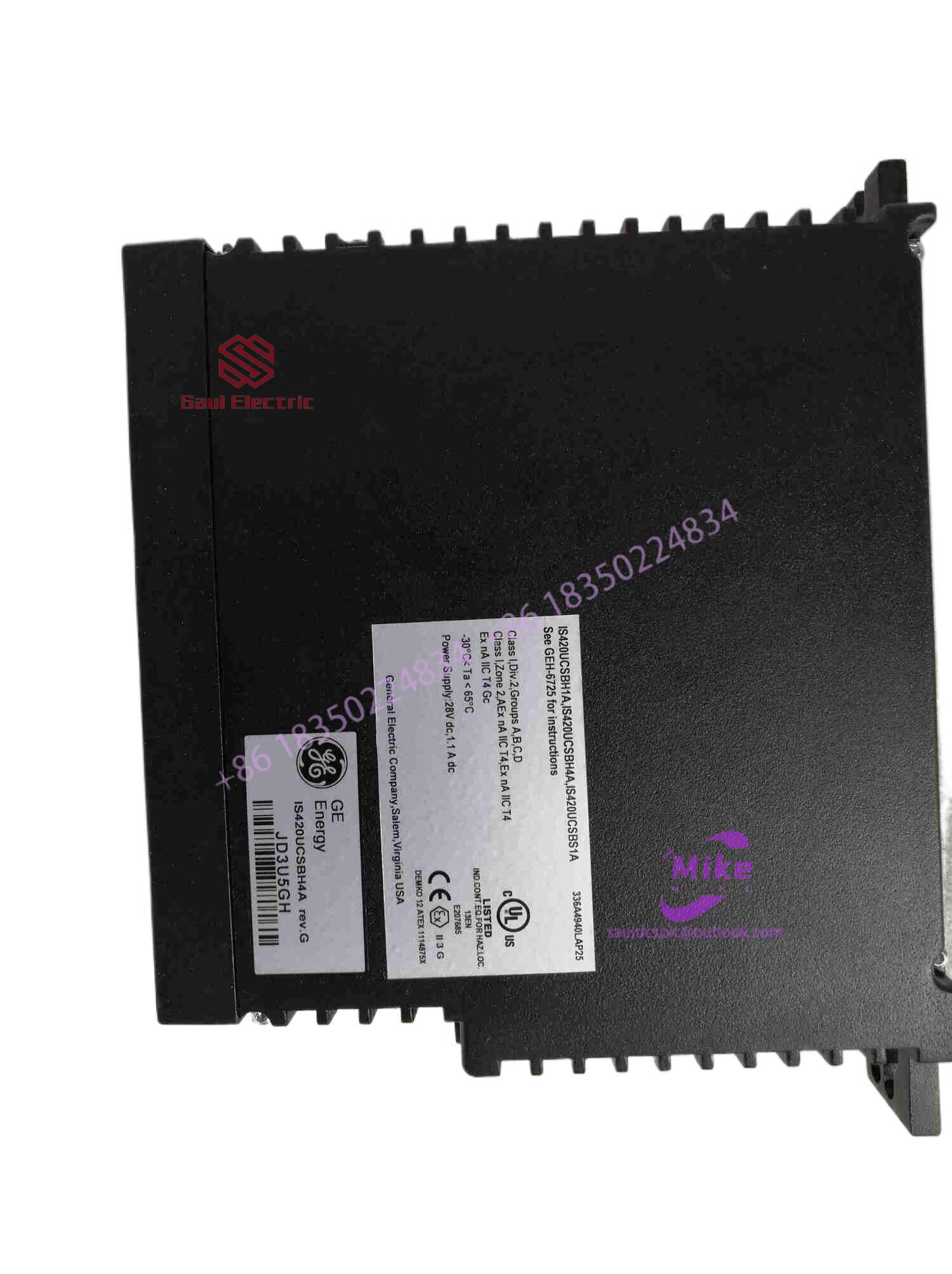
The DS200FHVAG2ACA is a 24-channel discrete (digital) input module in the GE Mark VIe control system. Its primary function is to collect discrete signals (contact open/close signals) generated by field devices such as sensors,
switches, and relays, convert them into digital signals that can be recognized and processed by the PLC or control system CPU,
and transmit the processed data to the GE Speedtronic turbine control system or other control equipment, enabling automated control and monitoring. Key Technical Specifications
Rated Voltage: 24.0 VDC (Nominal)
Maximum Rated Voltage: 28.6 VDC
Maximum Rated Contact Input Voltage: 32 VDC
Number of Input Channels: 24 Discrete Inputs
Operating Temperature Range: -30°C to +65°C
Environmental Adaptability: Passes rigorous environmental testing, capable of long-term stable operation in harsh industrial environments Compatible Terminal Boards
The DS200FHVAG2ACA can be paired with a variety of GE terminal boards, including but not limited to:
IS200STCIH1A / IS200STCIH2A
IS200STCIH8A
IS200TBCIH2C / IS200TBCIH4C
IS400STCIH1A / IS400STCIH2A / IS400STCIH8A
IS400TBCIH2C Certifications and Safety
This module is UL certified and can be used in both hazardous and non-hazardous locations. The UL certification covers various classes and divisions, and relevant UL mark documents are available for reference.
What types of touch screens are there?.
There are two types of touch screens: capacitive touch screens and resistive touch screens. Capacitive touch screens are touched directly with fingers, such as mobile phones. The resistive touch screen must be in direct contact with the pen, and there must be a certain amount of pressure, because it works by sensing the ITO current in the upper and lower layers through pressure.
What are the characteristics of capacitive touch screen?.
1. The capacitive touch screen only requires touching, not pressing to generate a signal.
2. Capacitive touch screens only need to be calibrated once or not at all after production, while resistive technology requires routine calibration.
3. Capacitive touch screens have a long service life because the capacitive touch screen components do not require any movement. In a resistive touch screen, the lower ITO film needs to be thin enough and flexible so that it can bend down to touch the ITO above.
Capacitive technology has advantages over resistive technology in terms of optical loss and system power consumption.
5. Capacitor technology is wear-resistant, has long life, and has low maintenance costs when used by users.
However, capacitive screens also have certain disadvantages. When the ambient temperature and humidity change, and when there is magnetic field interference in the environment, the capacitive screen will drift, causing touch failure. Resistive screens are better than touch screens in terms of anti-interference performance, and their price and cost are lower than capacitive screens.
The choice of capacitive screen or resistive screen depends on the use of the screen and the use environment. Capacitive touch screens are a good option for finger touch rather than multiple magnetic fields. If you need to use a brush and have high anti-interference requirements, it is better to use a resistive touch screen in this case.
(1) What does touch screen mean and what are its uses?
Touch Panel, also known as “touch screen” or ” touch panel “, is an inductive liquid crystal display device that accepts input signals such as contacts. When the graphic buttons on the screen are touched, the The tactile feedback system can drive various connected devices according to pre-programmed programs, and can be used to replace mechanical button panels and create vivid audio and video effects through LCD screens.
As the latest computer input device, touch screen is a simple, convenient and natural way of human-computer interaction. It gives multimedia a new look and is a very attractive new multimedia interactive device. Mainly used in public information inquiry, industrial control, military command, electronic games, multimedia teaching, etc.
(2)What are the types of touch screens?
There are two main types of touch screens: capacitive touch screens and resistive touch screens. Capacitive touch screens are used by direct contact with fingers, such as mobile phones; resistive touch screens must be directly touched with a stylus and require a certain amount of pressure, because it works by causing current induction in the upper and lower layers of ITO through pressure.
(3) What are the characteristics of capacitive touch screens?
1. The capacitive touch screen only requires touch and does not require pressure to generate a signal.
2. Capacitive touch screens only need calibration once or not at all after production, while resistive technology requires regular calibration.
3. The capacitive screen has a long service life because the components in the capacitive touch screen do not require any movement; in the resistive touch screen, the upper ITO film needs to be thin enough to be elastic so that it can bend downward to contact the ITO film below.
4. Capacitive technology is superior to resistive technology in terms of optical loss and system power consumption.
5. Capacitive technology is wear-resistant, has a long life, and has low maintenance costs when used by users.
However, capacitive screens also have certain disadvantages. When the ambient temperature and humidity change, or there is magnetic field interference in the environment, it will cause the capacitive screen to drift, causing the touch to become inoperable. Resistive screens are better than touch screens in terms of anti-interference performance, and their price and cost are lower than capacitive screens.
Choosing a capacitive screen or a resistive screen depends on how the screen is used and the environment. If it is used by finger touch and is not in an environment with multiple magnetic fields, the capacitive touch screen is a better choice. If pen touches are required and the anti-interference requirements are high, it is better to use a resistive touch screen in this case.

There are no reviews yet.