
 HONG KONG SAUL
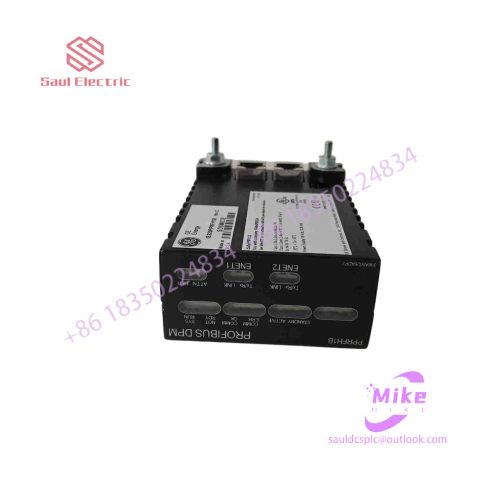
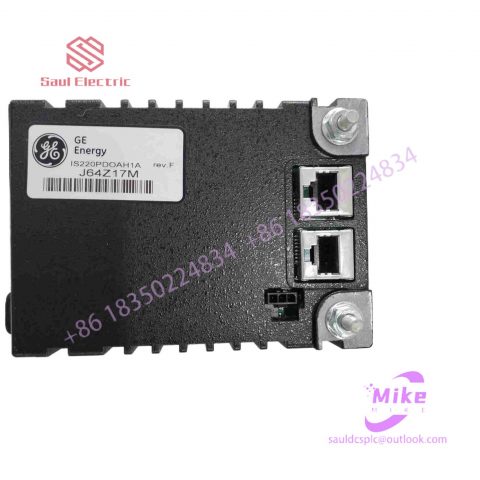
DS200TCQBF1ABG Mark VIe Control System
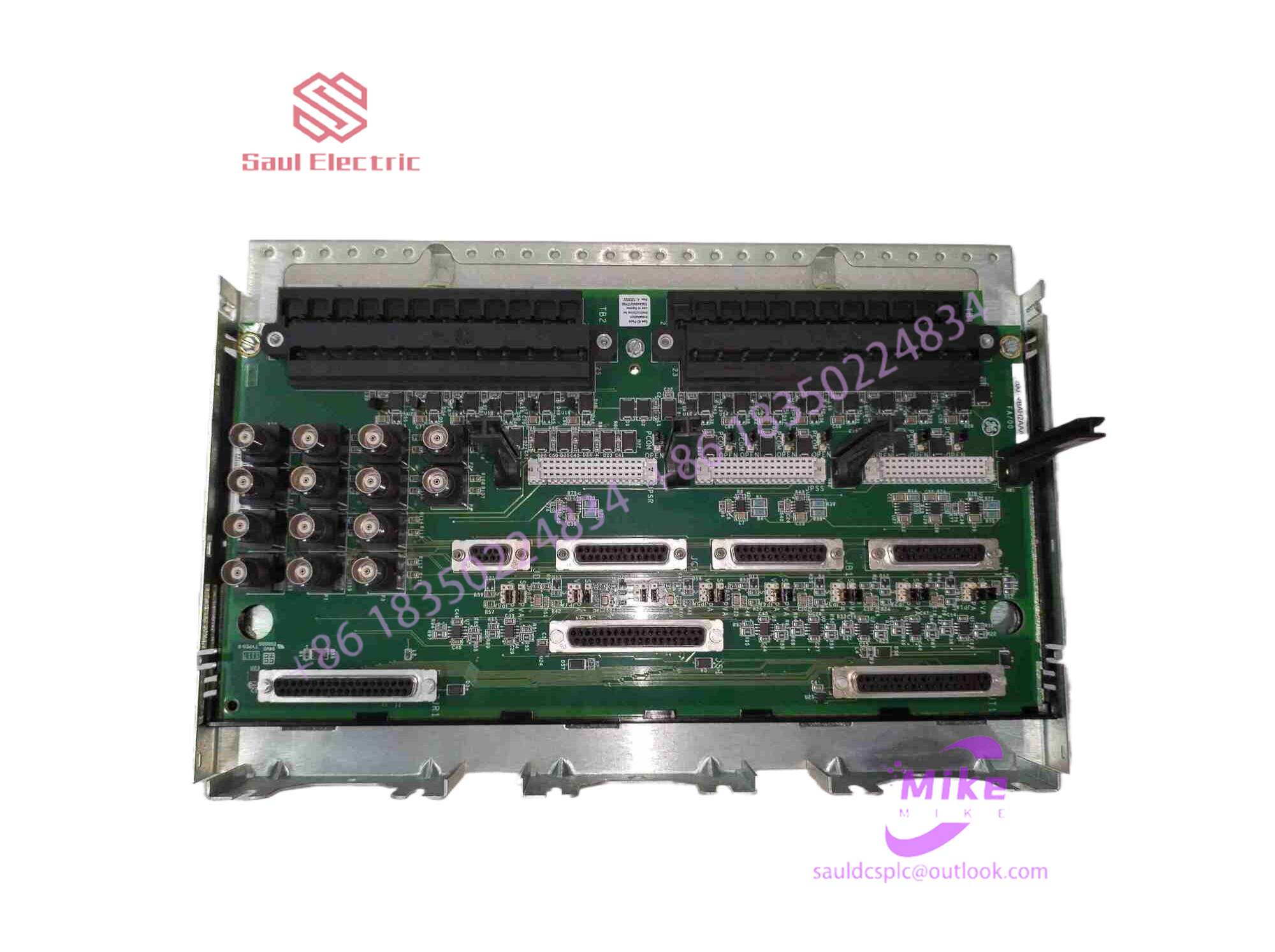
DS200TCQBF1ABG Product Introduction
Basic Information
Brand: GE (General Electric)
Model:DS200TCQBF1ABG
Part Number: DS200TCQBF1ABG
Series: Mark VIe Speedtronic Turbine Control System I/O Pack
Country of Origin: United States
Product Type: Discrete Input Module (Contact Input Module), also known as PDIA I/O Pack
 Functional Overview
The DS200TCQBF1ABG is a 24-channel discrete (digital) input module in the GE Mark VIe control system. Its primary function is to collect discrete signals (contact open/close signals) generated by field devices such as sensors,
switches, and relays, convert them into digital signals that can be recognized and processed by the PLC or control system CPU,
and transmit the processed data to the GE Speedtronic turbine control system or other control equipment, enabling automated control and monitoring. Key Technical Specifications
Rated Voltage: 24.0 VDC (Nominal)
Maximum Rated Voltage: 28.6 VDC
Maximum Rated Contact Input Voltage: 32 VDC
Number of Input Channels: 24 Discrete Inputs
Operating Temperature Range: -30°C to +65°C
Environmental Adaptability: Passes rigorous environmental testing, capable of long-term stable operation in harsh industrial environments Compatible Terminal Boards
The DS200TCQBF1ABG can be paired with a variety of GE terminal boards, including but not limited to:
IS200STCIH1A / IS200STCIH2A
IS200STCIH8A
IS200TBCIH2C / IS200TBCIH4C
IS400STCIH1A / IS400STCIH2A / IS400STCIH8A
IS400TBCIH2C Certifications and Safety
This module is UL certified and can be used in both hazardous and non-hazardous locations. The UL certification covers various classes and divisions, and relevant UL mark documents are available for reference.
5. The author mentioned before that once the system changes the display resolution, adjusts the screen size, or installs for the first time, there will be inaccurate clicks or drift. You need to start the positioning program that comes with the application to reposition it. However, When positioning, it is best to use a relatively thin pen or fingertips for positioning, so that it is more accurate.
6. The working environment of surface acoustic wave touch screen has high requirements. It must work in a clean environment without dust pollution, and the dust on the surface of the touch screen must be cleaned regularly. Otherwise, the dust in the air will cover the surroundings of the touch screen. Reflective streaks or transducers will affect the correct positioning of the system.
7. Do not let water droplets or other soft things stick to the surface of the touch screen, otherwise the touch screen will easily mistakenly think that there is a hand touching it, causing the surface acoustic wave screen to be inaccurate. In addition, when removing dirt on the touch screen surface, you can use a soft dry cloth or detergent to carefully wipe from the center of the screen outward, or use a dry soft cloth dipped in industrial alcohol or glass cleaning fluid to clean the touch screen surface.
8. If the touch screen responds very slowly when you touch the surface acoustic wave touch screen with your hand or other touching object, it means that the touch screen system is probably old, the internal clock frequency is too low, or there are water droplets moving on the surface of the touch screen. If you want the touch screen to respond quickly, you must replace or upgrade the system, or use a rag to wipe away the water droplets on the surface of the touch screen.
9. Touch screens generally use serial ports for signal transmission and take signals from the PS/2 port, while TPS screens take power directly from the host power supply. If the indicator light does not light up, it means that the signal is not obtained, and the PS/2 line on the control box may be broken. If the light is on but still does not flash, the control box is broken, so we must replace the control box. If replacing the control box still doesn’t work, it’s possible that the screen is pressed too tightly and you need to loosen the screws around it slightly. Because the touch screen is made of special materials, it is not easily damaged. If the serial port is bad or disabled, the driver will not be installed because the serial port will be automatically searched for when installing the driver. Even if it can be installed, the mouse will not move or cannot be positioned. It is best not to use a serial port mouse to judge the quality of the serial port. Maybe the 9 serial ports use different methods for each of them. If the screen is pressed down or the ground wire is not connected properly, positioning will be impossible. If some areas cannot be clicked or the response is slow, it may be caused by dust, and the casing needs to be disassembled to remove the dust.
10. When you touch a certain position of the capacitive touch screen with your finger and the touch screen does not respond, it is likely that the ITO coating corresponding to the touch position is damaged or scratched. The only way is to buy a new one. touchscreen.
11. When you touch a certain position of the surface acoustic wave touch screen with your finger and the touch screen does not respond, it is likely that the reflection stripes corresponding to the touch position are partially covered or scraped off by a hard object. In the former case Just wipe the touch location with a soft cloth. In the latter case, we can only buy a new touch screen.
12. If the direction of touch movement is to the left when the user is operating the touch screen, but the cursor of the system moves to the right, this fault may be caused by the connector connecting the control box and the touch screen being connected incorrectly or the left and right positions of the touch screen being installed incorrectly. The user only needs to change the direction again.
13. After confirming that the connection to the keyboard port of the host is correctly connected, and that the serial port number selected during the driver installation process and the serial port number actually connected to the touch screen are correct, if the surface acoustic wave screen touch screen still cannot work, you can reformat it. hard drive and install the latest drivers required by the system.

There are no reviews yet.