
 HONG KONG SAUL
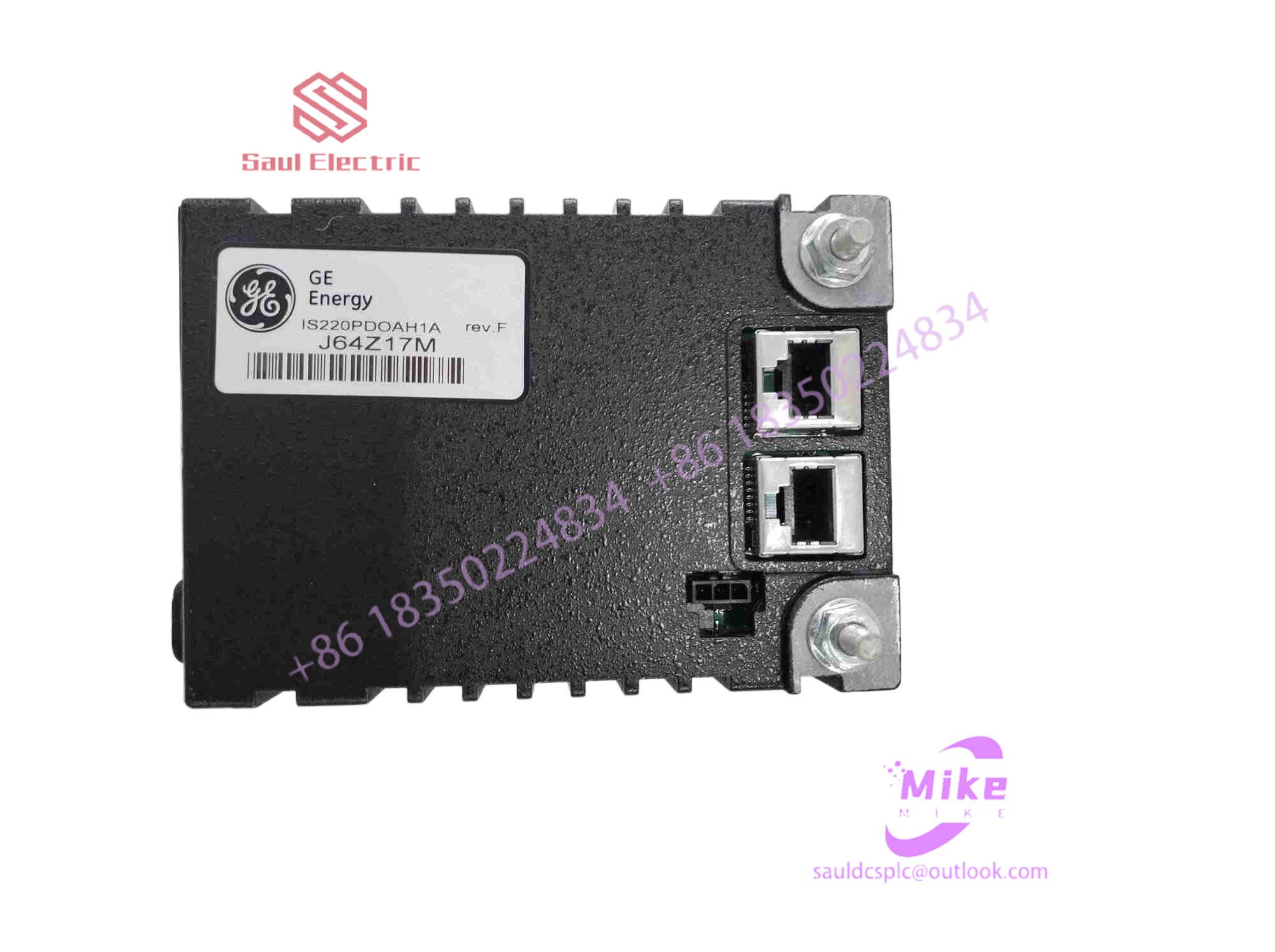
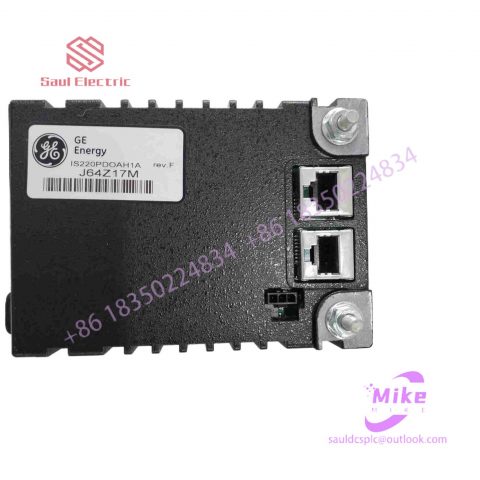
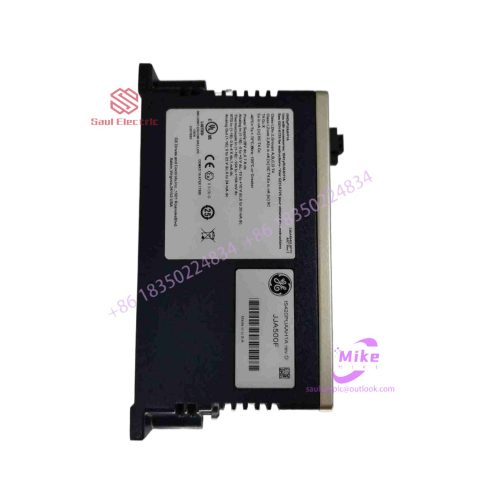
DS2020FFMCG1 Mark VIe Speedtronic
DS2020FFMCG1 Product Introduction
Basic Information
Brand: GE (General Electric)
Model:DS2020FFMCG1
Part Number: DS2020FFMCG1
Series: Mark VIe Speedtronic Turbine Control System I/O Pack
Country of Origin: United States
Product Type: Discrete Input Module (Contact Input Module), also known as PDIA I/O Pack
 Functional Overview
The DS2020FFMCG1 is a 24-channel discrete (digital) input module in the GE Mark VIe control system. Its primary function is to collect discrete signals (contact open/close signals) generated by field devices such as sensors,
switches, and relays, convert them into digital signals that can be recognized and processed by the PLC or control system CPU,
and transmit the processed data to the GE Speedtronic turbine control system or other control equipment, enabling automated control and monitoring. Key Technical Specifications
Rated Voltage: 24.0 VDC (Nominal)
Maximum Rated Voltage: 28.6 VDC
Maximum Rated Contact Input Voltage: 32 VDC
Number of Input Channels: 24 Discrete Inputs
Operating Temperature Range: -30°C to +65°C
Environmental Adaptability: Passes rigorous environmental testing, capable of long-term stable operation in harsh industrial environments Compatible Terminal Boards
The DS2020FFMCG1 can be paired with a variety of GE terminal boards, including but not limited to:
IS200STCIH1A / IS200STCIH2A
IS200STCIH8A
IS200TBCIH2C / IS200TBCIH4C
IS400STCIH1A / IS400STCIH2A / IS400STCIH8A
IS400TBCIH2C Certifications and Safety
This module is UL certified and can be used in both hazardous and non-hazardous locations. The UL certification covers various classes and divisions, and relevant UL mark documents are available for reference.
14. When calibrating the surface acoustic wave touch screen, make sure that the pre-installed MOUSEWARE software in the system does not conflict with the touch screen driver, otherwise the calibration operation will not be performed correctly.
15. If the user finds that the system is unresponsive when operating the capacitive touch screen, he can check whether the touch screen is connected correctly. When checking, first take the power supply part and connect one end to the keyboard port of the host through a keyboard adapter, and then connect the other end. Connect the computer keyboard and insert a communication connector from the 5V power supply into the serial port of the host computer.
Implementation method of tactile feedback function in touch screen system
Now you may find in many public places a computer input device that everyone uses. This is a computer that allows users to directly operate the screen with their fingers. This type of computer is actually the touch screen that people often talk about. Touch screens are not only suitable for China’s national conditions for multimedia information inquiry, but also have many advantages such as durability, fast response, space saving, and ease of communication. Using the touch screen, our users can operate the host by simply touching the icons or text on the computer display with their fingers, making human-computer interaction more straightforward. This technology greatly facilitates users who do not know how to operate computers. . Touch screen technology is now used in many banks, hospitals, hotels, shopping malls, sales halls, schools, libraries, museums, theaters, exhibitions, stations, large bookstores, tourist resorts, communities and other large public places. So do you know how a touch screen works? Are you familiar with touch screen operations?
Generally speaking, when we operate a touch screen, we must first touch the touch screen installed on the front of the display with a finger or other object, and then the system locates and selects information input based on the location of the icon or menu touched by the finger. The touch screen consists of a touch detection component and a touch screen controller; the touch detection component is installed in front of the display screen to detect the user’s touch position, and then sends it to the touch screen controller; and the main function of the touch screen controller is to receive touches from the touch point detection device information, convert it into contact coordinates, and then send it to the CPU. It can also receive commands from the CPU and execute them. In order to operate the touch screen efficiently, it is necessary for us to first understand the working principles of various types of touch screens:
1. Working principle of resistive touch screen
The working principle of a resistive touch screen is mainly to operate and control the screen content through the principle of pressure sensing. The screen body of this touch screen is a multi-layer composite film that is very compatible with the display surface, of which the first layer is glass or plexiglass. The bottom layer, the second layer is the partition layer, and the third layer is the multi-resin surface layer. The surface is also coated with a transparent conductive layer, and is covered with a hardened, smooth and scratch-resistant plastic layer on the surface. The conductive layer and glass layer sensor on the surface of the polyester are separated by many tiny layers; the current passes through the surface layer, and when the surface layer is pressed lightly, it touches the bottom layer, and the controller reads out corresponding currents from the four corners at the same time. and calculate the distance between finger positions. This kind of touch screen uses two highly transparent conductive layers to form a touch screen. The distance between the two layers is only 2.5 microns. When a finger touches the screen, the two conductive layers that are usually insulated from each other have a contact at the touch point. Because one of the conductive layers is connected to a 5V uniform voltage field in the Y-axis direction, the voltage of the detection layer changes from zero to Non-zero, after the controller detects this connection, it performs A/D conversion and compares the obtained voltage value with 5V to obtain the Y-axis coordinate of the touch point. In the same way, the X-axis coordinate is obtained. This This is the most basic principle common to all resistive technology touch screens.
2. Surface acoustic wave touch screen
The working principle of the surface acoustic wave touch screen is mainly based on the principle of mechanical waves propagating on the surface of a certain medium. This type of touch screen emits sound waves through sound wave generators attached to the three corners of the screen surface, and receives them through sound wave receivers. The sound wave is then responsible for transmitting signals to the touch screen through the sound wave reflector. The sound wave generator can send a high-frequency sound wave across the screen surface. When the finger touches the screen, the sound wave on the contact point is blocked, and the received signal is converted into coordinates. value, thereby determining the coordinate position of the specific touch point. The controller can measure the size of the touch screen pressure by absorbing the sound wave energy, and at the same time returns a coordinate value that&

There are no reviews yet.