
 HONG KONG SAUL

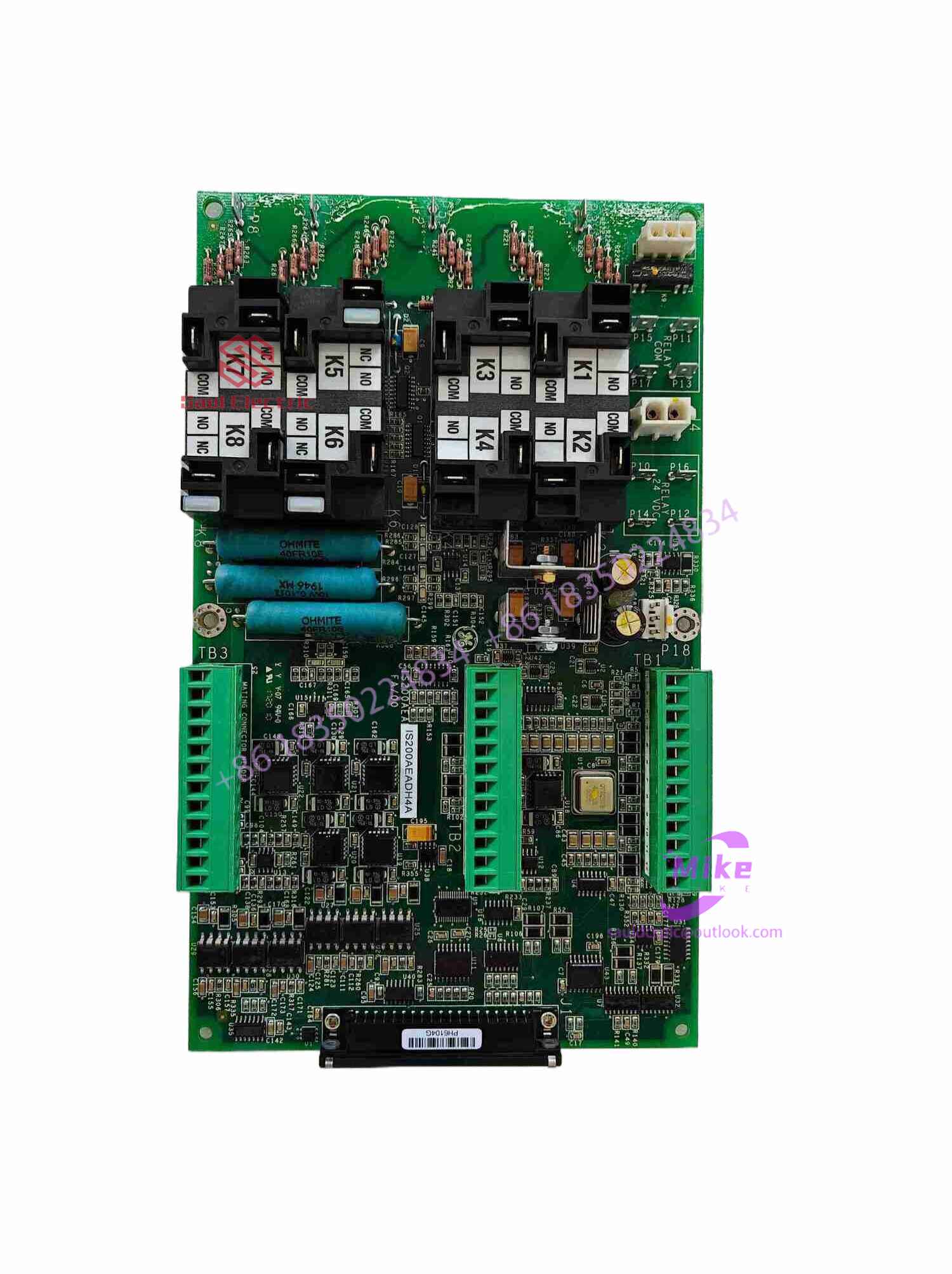
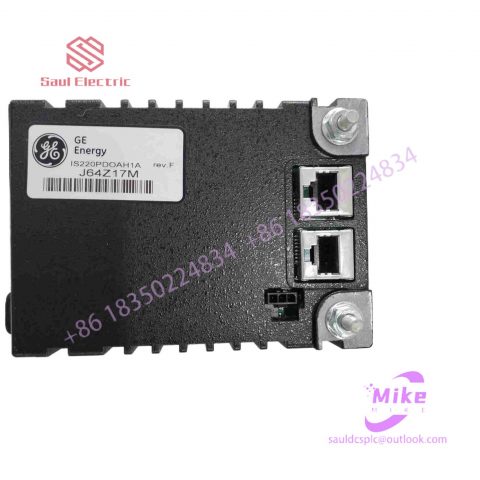
IS200ESELH1A Mark VIe Control System
IS200ESELH1A Product Introduction
Basic Information
Brand: GE (General Electric)
Model:IS200ESELH1A
Part Number: IS200ESELH1A
Series: Mark VIe Speedtronic Turbine Control System I/O Pack
Country of Origin: United States
Product Type: Discrete Input Module (Contact Input Module), also known as PDIA I/O Pack
 Functional Overview
The IS200ESELH1A is a 24-channel discrete (digital) input module in the GE Mark VIe control system. Its primary function is to collect discrete signals (contact open/close signals) generated by field devices such as sensors,
switches, and relays, convert them into digital signals that can be recognized and processed by the PLC or control system CPU,
and transmit the processed data to the GE Speedtronic turbine control system or other control equipment, enabling automated control and monitoring. Key Technical Specifications
Rated Voltage: 24.0 VDC (Nominal)
Maximum Rated Voltage: 28.6 VDC
Maximum Rated Contact Input Voltage: 32 VDC
Number of Input Channels: 24 Discrete Inputs
Operating Temperature Range: -30°C to +65°C
Environmental Adaptability: Passes rigorous environmental testing, capable of long-term stable operation in harsh industrial environments Compatible Terminal Boards
The IS200ESELH1A can be paired with a variety of GE terminal boards, including but not limited to:
IS200STCIH1A / IS200STCIH2A
IS200STCIH8A
IS200TBCIH2C / IS200TBCIH4C
IS400STCIH1A / IS400STCIH2A / IS400STCIH8A
IS400TBCIH2C Certifications and Safety
This module is UL certified and can be used in both hazardous and non-hazardous locations. The UL certification covers various classes and divisions, and relevant UL mark documents are available for reference.
4) Check whether there is a conflict between the device in the host and the serial port resources. Check each hardware device and adjust it. For example, the default IRQ of some network cards after installation is 3, which conflicts with the IRQ of COM2. At this time, the IRQ of the network card should be changed to an idle and unused IRQ. It may be that the computer motherboard and the touch screen control box are not compatible. Please replace the host or motherboard. .
5) If you find that some areas of the touch screen cannot be touched after using it for a long period of time (3-4 years), the touch screen may be broken. Please replace the touch screen.
If it is a capacitive touch screen, you can perform the following maintenance:
3. Touch screen response time is very long
[Troubleshooting]
A touch screen takes a long time to respond after touching the monitor screen with your finger.
[Fault analysis and processing]
This may be caused by moving water droplets stuck to the touch screen, just wipe it with a dry soft cloth. It is also possible that the host is too low-grade, such as the clock frequency is too low. If this is the case, it is best to replace the host.
4. The touch screen is partially unresponsive
[Troubleshooting]
A touch screen, after touching the monitor screen with a finger, there is no response in some places.
[Fault analysis and processing]
It is possible that the reflective stripes on the touch screen are partially covered. You can wipe them clean with a dry soft cloth. It is also possible that the reflective stripes on the touch screen were partially scratched off by a hard object and cannot be repaired.
5. The touch screen works normally but the computer cannot be operated.
[Troubleshooting]
A touch screen itself is tested and everything is normal, but after being connected to the host computer, the computer cannot operate.
[Fault analysis and processing]
This may be because the touch screen control card receives the operation signal before the host starts loading the touch screen driver. You only need to cut off the power again and then restart the computer. It is also possible that the touch screen driver version is too low and the latest driver needs to be installed.
6. The touch screen does not respond when started for the first time after installing the driver.
[Troubleshooting]
I have a touch screen. After installing the driver, the touch screen becomes unresponsive when I start it for the first time.
[Fault analysis and processing]
First, confirm whether the touch screen circuit connections are correct. If not, shut down the machine and connect all the circuits correctly. Then check if there are any devices in the host that conflict with the serial port resources, check each hardware device and adjust them. For example, the default IRQ of some network cards after installation is 3, which conflicts with the IRQ of COM2. At this time, the IRQ of the network card should be changed to idle and unused. IRQ.
7. No response to touch after using for a period of time
[Troubleshooting]
A touch screen becomes unresponsive after being used normally for a period of time after being turned on.

There are no reviews yet.