
 HONG KONG SAUL
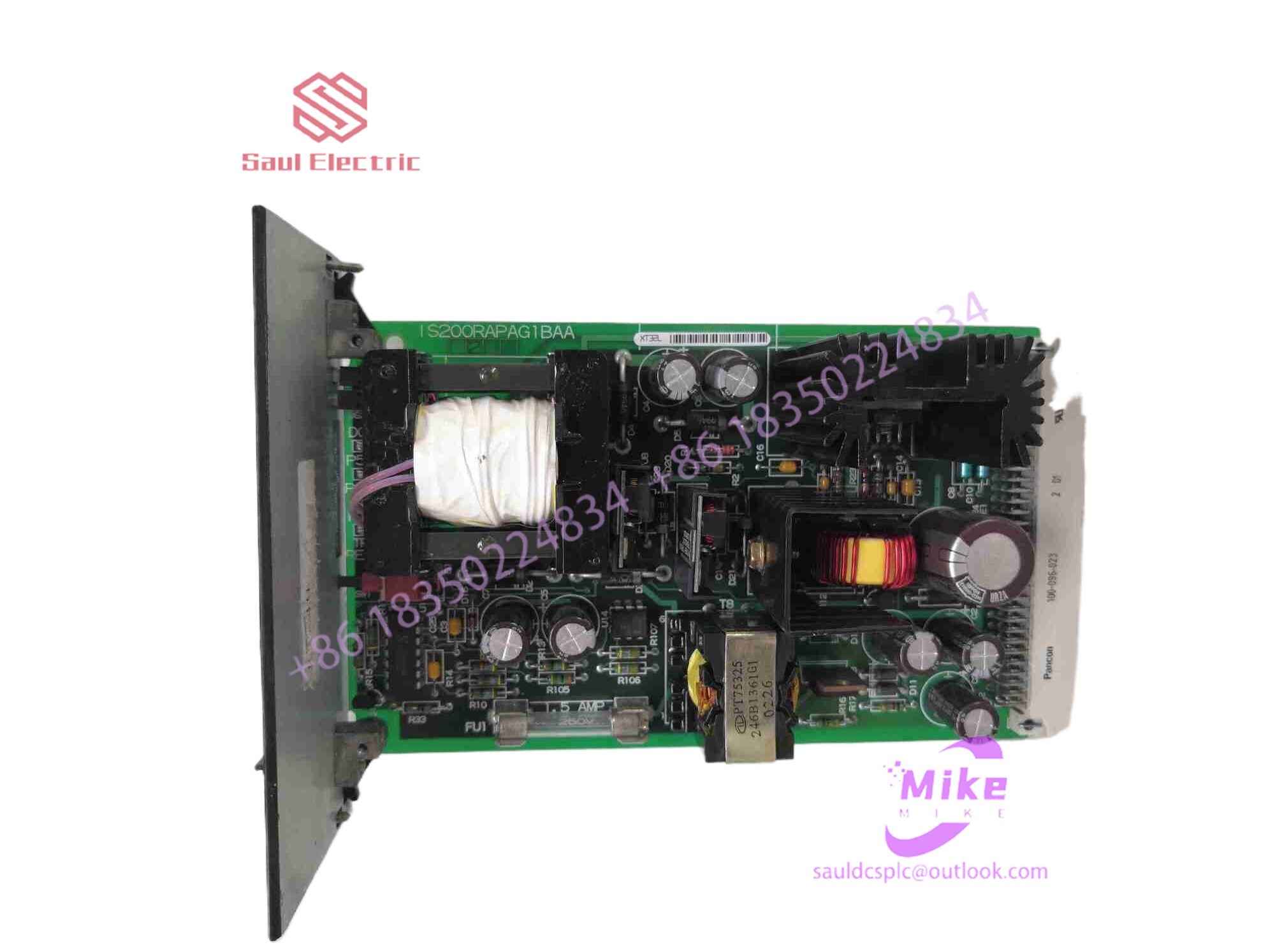
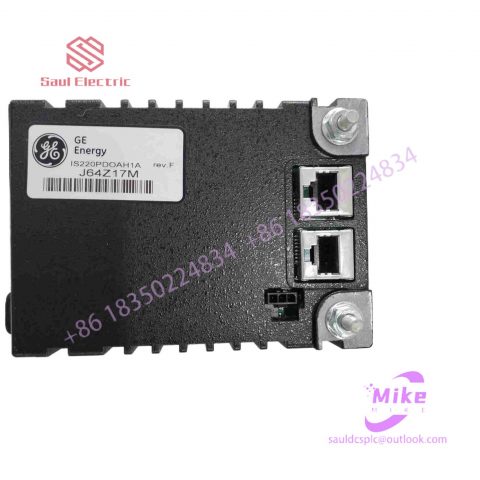
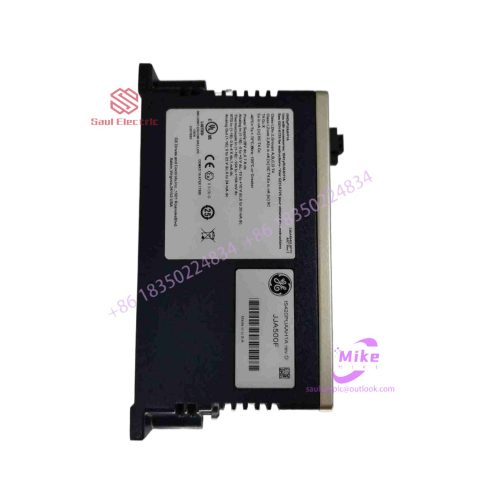
IS200TBA1H1C Turbine Control System
IS200TBA1H1C Product Introduction
Basic Information
Brand: GE (General Electric)
Model:IS200TBA1H1C
Part Number: IS200TBA1H1C
Series: Mark VIe Speedtronic Turbine Control System I/O Pack
Country of Origin: United States
Product Type: Discrete Input Module (Contact Input Module), also known as PDIA I/O Pack
 Functional Overview
The IS200TBA1H1C is a 24-channel discrete (digital) input module in the GE Mark VIe control system. Its primary function is to collect discrete signals (contact open/close signals) generated by field devices such as sensors,
switches, and relays, convert them into digital signals that can be recognized and processed by the PLC or control system CPU,
and transmit the processed data to the GE Speedtronic turbine control system or other control equipment, enabling automated control and monitoring. Key Technical Specifications
Rated Voltage: 24.0 VDC (Nominal)
Maximum Rated Voltage: 28.6 VDC
Maximum Rated Contact Input Voltage: 32 VDC
Number of Input Channels: 24 Discrete Inputs
Operating Temperature Range: -30°C to +65°C
Environmental Adaptability: Passes rigorous environmental testing, capable of long-term stable operation in harsh industrial environments Compatible Terminal Boards
The IS200TBA1H1C can be paired with a variety of GE terminal boards, including but not limited to:
IS200STCIH1A / IS200STCIH2A
IS200STCIH8A
IS200TBCIH2C / IS200TBCIH4C
IS400STCIH1A / IS400STCIH2A / IS400STCIH8A
IS400TBCIH2C Certifications and Safety
This module is UL certified and can be used in both hazardous and non-hazardous locations. The UL certification covers various classes and divisions, and relevant UL mark documents are available for reference.
S3c2410 touch screen and analog-to-digital conversion
1. Several concepts of touch screen
The so-called touch screen, from a market concept, is a computer input device that everyone can use, or a device that everyone can use to communicate with computers. No need to learn, everyone can use it, which is the greatest magic of touch screen. Neither keyboard nor mouse can compare with it.
From the perspective of technical principles, the touch screen is a transparent absolute addressing system. First of all, it must be transparent, so it must solve the transparency problem through material technology, such as digitizers, writing pads, and elevator switches. They are not touch screens. ; Secondly, it is an absolute coordinate, which is where the finger touches. It does not require a second action. Unlike the mouse, it is a system of relative positioning. We can notice that touch screen software does not require a cursor. The presence of a cursor affects the user’s Attention, because the cursor is for relatively positioned devices. To move a relatively positioned device to a place, it must first know where it is now and which direction it is going. It also needs to constantly provide feedback to the user at all times. The position will not be biased. These are not required for touch screens that adopt absolute coordinate positioning; secondly, they are able to detect finger touch movements and determine finger position. Various touch screen technologies revolve around “detecting finger touch” and the eight immortals show their magical powers across the sea.
1. The first pointer of the touch screen: optical characteristics. It directly affects the visual effect of the touch screen. But the touch screen is a multi-layer composite film, and its optical properties include four aspects: transparency, color distortion, reflectivity and clarity. The color world includes various wavelength colors in the visible light band. Before the transparent material technology is completely solved, or before there is a low-cost solution to the transparent material technology, the light transmission of the multi-layer composite film touch screen at various wavelengths Sexuality cannot yet reach the ideal state of consistency. Here is a schematic diagram (Figure 6-1):
Figure 6-1
Due to the existence of the light transmittance and wavelength curve, the image seen through the touch screen inevitably produces color distortion from the original image. The static image only feels like color distortion, and the dynamic multimedia image does not feel very comfortable. The color Distortion, which is the maximum color distortion in the picture, is naturally as small as possible. The transparency usually referred to can only be the average transparency in the picture. Of course, the higher the better.
Reflectivity mainly refers to the overlapping light and shadow on the image caused by specular reflection, such as silhouettes, windows, lights, etc. Reflection is a negative effect caused by touch screens. The smaller the better, it affects the user’s browsing speed. In severe cases, image characters cannot even be recognized. The use environment of highly reflective touch screens is restricted, and the lighting layout of the scene is also forced to be adjusted. Most touch screens with reflective problems provide another surface-treated model: matte touch screen, also called anti-glare type. The price is slightly higher. The anti-glare type has significantly reduced reflectivity and is suitable for halls or exhibitions with very sufficient lighting. However, the light transmittance and clarity of the anti-glare type also decrease significantly.
Clarity. After some touch screens are installed, the handwriting and image details are blurred. The entire screen appears blurry and cannot be seen clearly. This means that the clarity is too poor. The problem of clarity is mainly caused by touch screens with multi-layer film structures, which are caused by repeated reflection and refraction of light between film layers. In addition, anti-glare touch screens can also cause a decrease in clarity due to the frosted surface. Poor clarity can cause eye fatigue easily and cause some damage to the eyes. Pay attention to judgment when purchasing a touch screen.
2. The second characteristic of the touch screen: stability. The touch screen is an absolute coordinate system. If you want to select something, just click there. The essential difference from relative positioning systems such as the mouse is the intuitiveness of getting it right at once. The characteristic of the absolute coordinate system is that each positioning coordinate has no relationship with the previous positioning coordinate. The touch screen is physically an independent coordinate positioning system. The data of each touch is converted into coordinates on the screen through calibration data. In this way, it is required No matter what the situation is, the output data of the same point on the touch screen is stable. If it is unstable, then the touch screen cannot guarantee absolute coordinate positioning and the points will be inaccurate. This is the most feared problem of touch screens: drift. Technically speaking, any touch screen that cannot guarantee the same sampling data every time the same point is touched is inevitably subject to the problem of drift. Currently, only capacitive touch screens have drift.
3. The third characteristic of touch screen: responsiveness. To detect touch and position, various touch screen technologies rely on their own sensors to work, and some touch

There are no reviews yet.