
 HONG KONG SAUL
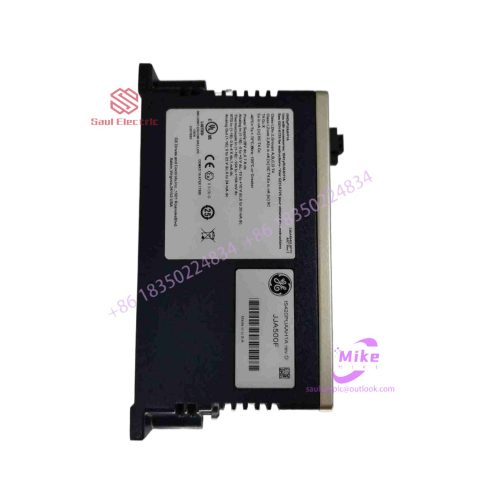
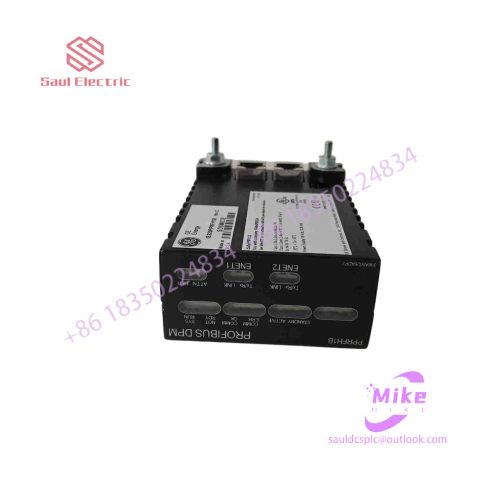
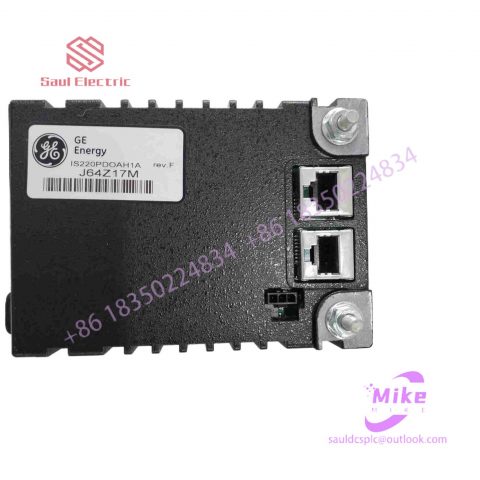
IS200TDBTH2A Turbine Control System
IS200TDBTH2A Product Introduction
Basic Information
Brand: GE (General Electric)
Model:IS200TDBTH2A
Part Number: IS200TDBTH2A
Series: Mark VIe Speedtronic Turbine Control System I/O Pack
Country of Origin: United States
Product Type: Discrete Input Module (Contact Input Module), also known as PDIA I/O Pack
 Functional Overview
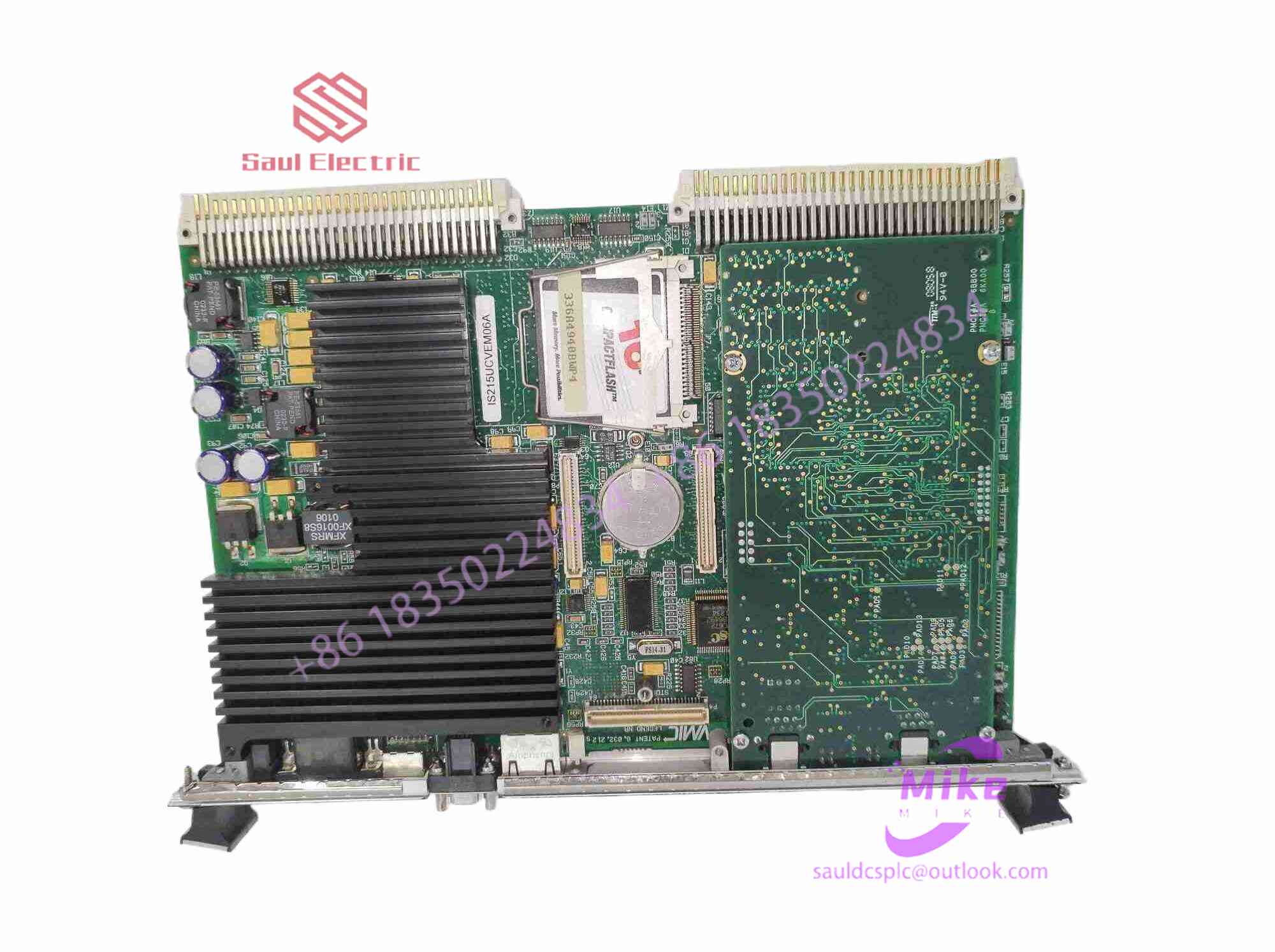
The IS200TDBTH2A is a 24-channel discrete (digital) input module in the GE Mark VIe control system. Its primary function is to collect discrete signals (contact open/close signals) generated by field devices such as sensors,
switches, and relays, convert them into digital signals that can be recognized and processed by the PLC or control system CPU,
and transmit the processed data to the GE Speedtronic turbine control system or other control equipment, enabling automated control and monitoring. Key Technical Specifications
Rated Voltage: 24.0 VDC (Nominal)
Maximum Rated Voltage: 28.6 VDC
Maximum Rated Contact Input Voltage: 32 VDC
Number of Input Channels: 24 Discrete Inputs
Operating Temperature Range: -30°C to +65°C
Environmental Adaptability: Passes rigorous environmental testing, capable of long-term stable operation in harsh industrial environments Compatible Terminal Boards
The IS200TDBTH2A can be paired with a variety of GE terminal boards, including but not limited to:
IS200STCIH1A / IS200STCIH2A
IS200STCIH8A
IS200TBCIH2C / IS200TBCIH4C
IS400STCIH1A / IS400STCIH2A / IS400STCIH8A
IS400TBCIH2C Certifications and Safety
This module is UL certified and can be used in both hazardous and non-hazardous locations. The UL certification covers various classes and divisions, and relevant UL mark documents are available for reference.
13. After confirming that the connection to the keyboard port of the host is correctly connected, and that the serial port number selected during the driver installation process and the serial port number actually connected to the touch screen are correct, if the surface acoustic wave screen touch screen still cannot work, you can reformat it. hard drive and install the latest drivers required by the system.
14. When calibrating the surface acoustic wave touch screen, make sure that the pre-installed MOUSEWARE software in the system does not conflict with the touch screen driver, otherwise the calibration operation will not be performed correctly.
15. If the user finds that the system is unresponsive when operating the capacitive touch screen, he can check whether the touch screen is connected correctly. When checking, first take the power supply part and connect one end to the keyboard port of the host through a keyboard adapter, and then connect the other end. Connect the computer keyboard and insert a communication connector from the 5V power supply into the serial port of the host computer.
Analysis of the principles and characteristics of various industrial touch screens
According to the working principle of the touch screen and the medium for transmitting information, we divide the touch screen into four types, which are resistive type, capacitive induction type, infrared type and surface acoustic wave type. Each type of touch screen has its own advantages and disadvantages. To understand which type of touch screen is suitable for which occasion, the key is to understand the working principles and characteristics of each type of touch screen technology. This article provides a brief introduction to the various types of touch screens mentioned above.
Touch screen principle
For operational convenience, people use touch screens instead of mice or keyboards. When working, we must first touch the touch screen installed on the front of the monitor with our fingers or other objects, and then the system locates and selects information input based on the location of the icon or menu touched by the finger. The touch screen consists of a touch detection component and a touch screen controller; the touch detection component is installed in front of the display screen to detect the user’s touch position, and then sends it to the touch screen controller; and the main function of the touch screen controller is to receive touches from the touch point detection device information, convert it into contact coordinates, and then send it to the CPU. It can also receive commands from the CPU and execute them.
Main types of industrial touch screens
According to the working principle of the touch screen and the medium for transmitting information, we divide the touch screen into four types, which are resistive type, capacitive induction type, infrared type and surface acoustic wave type. Each type of touch screen has its own advantages and disadvantages. To understand which type of touch screen is suitable for which occasion, the key is to understand the working principles and characteristics of each type of touch screen technology. The following is a brief introduction to the various types of touch screens mentioned above:
1. Resistive touch screen
This touch screen uses pressure sensing for control. The main part of the resistive touch screen is a resistive film screen that is very suitable for the display surface. This is a multi-layer composite film. It uses a layer of glass or a hard plastic plate as the base layer, and the surface is coated with a layer of transparent oxide metal (transparent conductive Resistor) conductive layer, which is covered with an outer surface hardened, smooth and scratch-resistant plastic layer. Its inner surface is also coated with a layer of coating. There are many small (less than 1/1000 inch) transparent layers between them. The isolation point separates and insulates the two conductive layers. When a finger touches the screen, the two conductive layers come into contact at the touch point, the resistance changes, and signals are generated in the X and Y directions, which are then sent to the touch screen controller. The controller detects this contact and calculates the (X, Y) position, and then operates according to the simulated mouse method. This is the most basic principle of resistive technology touch screen. The key to resistive touch screens lies in material technology. Commonly used transparent conductive coating materials are:
A. ITO, indium oxide, is a weak conductor. Its characteristic is that when the thickness drops below 1800 angstroms (angstroms = 10-10 meters), it will suddenly become transparent, with a light transmittance of 80%. If it is thinner, the light transmittance will be reversed. decreases, and rises to 80% when the thickness reaches 300 angstroms. ITO is the main material used in all resistive technology touch screens and capacitive technology touch screens. In fact, the working surface of resistive and capacitive technology touch screens is the ITO coating.

There are no reviews yet.