
 HONG KONG SAUL
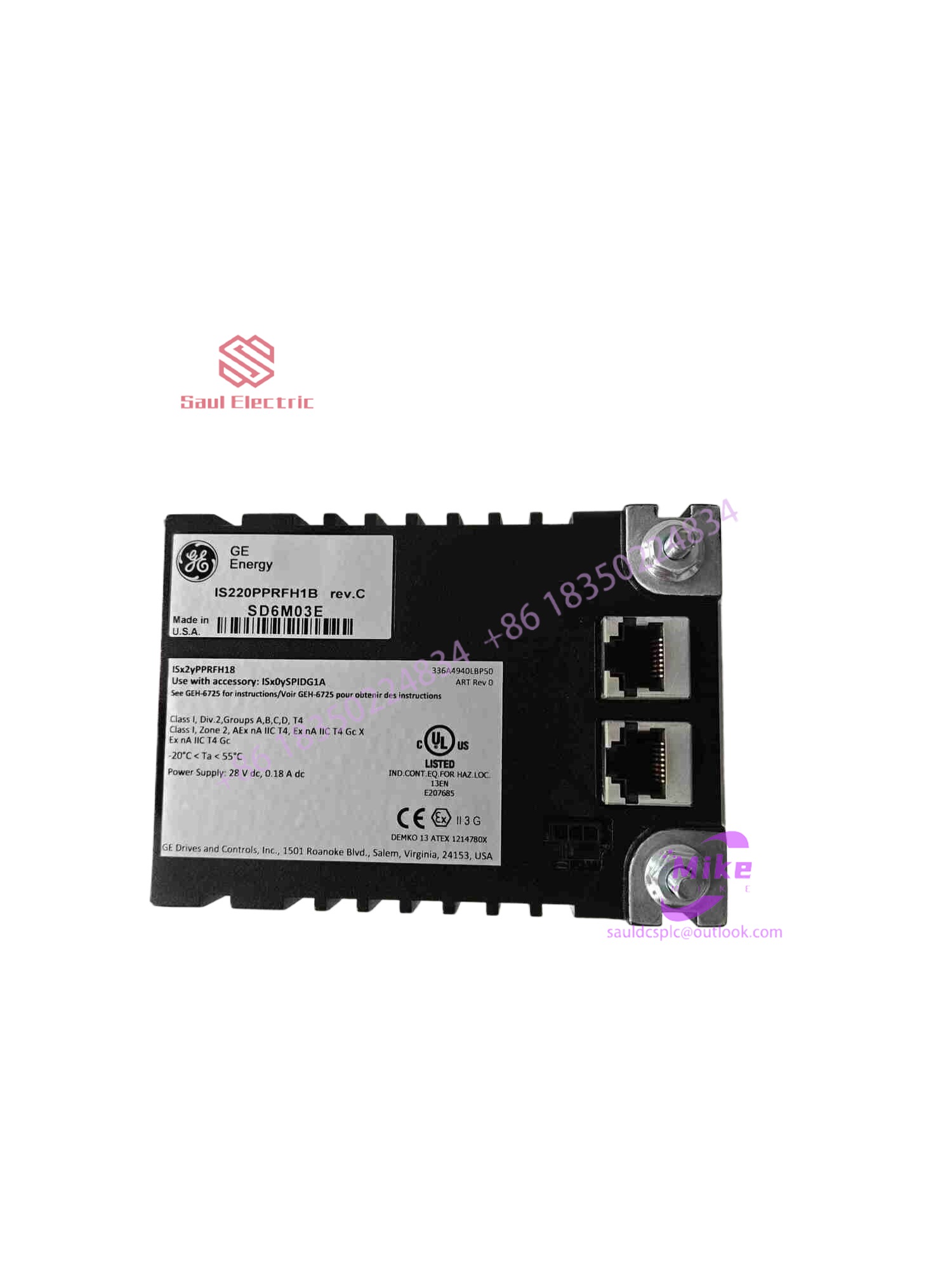
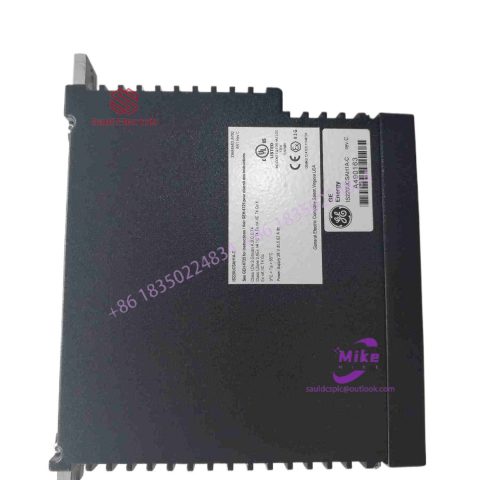
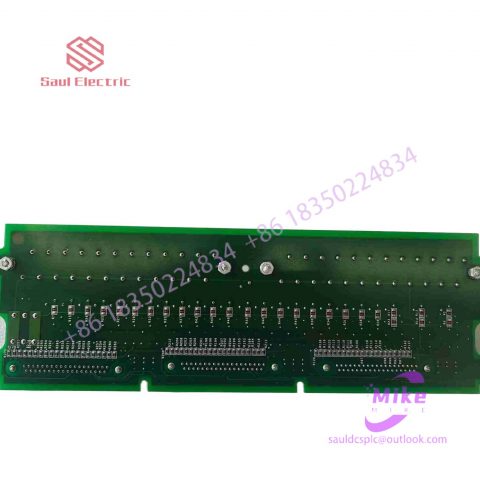
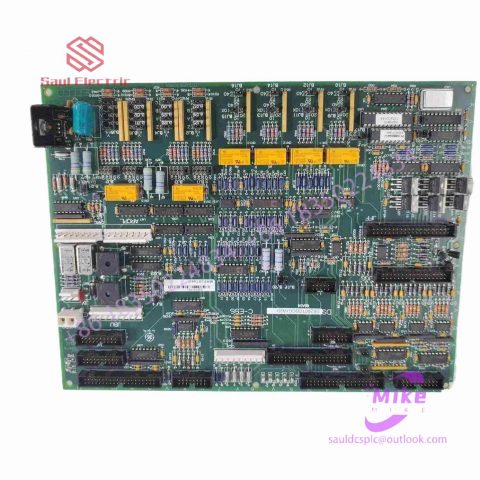
IS215UCCCH4A integrated circuit board
IS215UCCCH4A Product Introduction
Basic Information
Brand: GE (General Electric)
Model:IS215UCCCH4A
Part Number: IS215UCCCH4A
Series: Mark VIe Speedtronic Turbine Control System I/O Pack
Country of Origin: United States
Product Type: Discrete Input Module (Contact Input Module), also known as PDIA I/O Pack
contacts: Mike
+86 18350224834 (WeChat/WhatsApp)
Email:Mike18350224834@gmail.com
 Functional Overview
The IS215UCCCH4A is a 24-channel discrete (digital) input module in the GE Mark VIe control system. Its primary function is to collect discrete signals (contact open/close signals) generated by field devices such as sensors,
switches, and relays, convert them into digital signals that can be recognized and processed by the PLC or control system CPU,
and transmit the processed data to the GE Speedtronic turbine control system or other control equipment, enabling automated control and monitoring. Key Technical Specifications
Rated Voltage: 24.0 VDC (Nominal)
Maximum Rated Voltage: 28.6 VDC
Maximum Rated Contact Input Voltage: 32 VDC
Number of Input Channels: 24 Discrete Inputs
Operating Temperature Range: -30°C to +65°C
Environmental Adaptability: Passes rigorous environmental testing, capable of long-term stable operation in harsh industrial environments Compatible Terminal Boards
The IS215UCCCH4A can be paired with a variety of GE terminal boards, including but not limited to:
IS200STCIH1A / IS200STCIH2A
IS200STCIH8A
IS200TBCIH2C / IS200TBCIH4C
IS400STCIH1A / IS400STCIH2A / IS400STCIH8A
IS400TBCIH2C Certifications and Safety
This module is UL certified and can be used in both hazardous and non-hazardous locations. The UL certification covers various classes and divisions, and relevant UL mark documents are available for reference.
What are the types of touch screen technology?
1. Types of touch screen technology
The touch screen is a positioning device that allows users to directly input coordinate information to the computer with their fingers. Like the mouse and keyboard, it is also an input device. Touch screens have many advantages such as durability, fast response, space saving, and ease of communication. Using this technology, you can operate the host by gently touching the icons or text on the computer display with your fingers, making human-computer interaction more direct. This technology greatly facilitates those who do not know how to operate computers. User. It has been widely used in control, information query and other aspects in the fields of industry, medical treatment and communication.
1. Resistive touch screen
Analog resistive screen
Analog resistive touch screen is what we usually call “resistive screen”, which is a touch screen controlled by pressure sensing. It uses two layers of ITO (indium tin oxide ) plastic films coated with conductive functions. The two pieces of ITO are equipped with particle fulcrums, so that when the screen is not pressed, there is a certain gap between the two layers of ITO and is in a non-conductive state. When the operator presses the screen with his fingertip or pen tip, the pressure will cause the film to be concave, causing the ITO layer to contact the conductor due to deformation. The corresponding pressure point is then calculated by detecting the voltage changes in the X-axis and Y-axis to complete the entire screen. touch processing mechanism. Currently, there are many types of analog resistive touch screens, such as 4-wire, 5-wire, 6-wire, and 8-wire. As shown in Figure 1, the more wires, the higher the detection precision, but the cost will also increase. The resistive screen does not support multi-touch, has high power consumption, and short lifespan. At the same time, long-term use will cause detection point drift and requires calibration. However, resistive screens have simple structures and low costs. Before capacitive touch screens matured, they once occupied most of the touch screen market.
digital resistive screen
The basic principle of the digital resistive screen is similar to the analog one. Unlike the analog resistive screen, which evenly coats the ITO layer on the glass substrate , the digital resistive screen only uses a substrate with ITO stripes. The ITO stripes on the upper and lower substrates are perpendicular to each other. The digital resistive screen is more similar to a simple switch , so it is usually used as a membrane switch. Digital resistive screens enable multi-touch control.
2. Capacitive touch screen
surface capacitive
Surface capacitive touch screens sense touch behavior on the screen surface through electric field induction. Its panel is a uniformly coated ITO layer. Each of the four corners of the panel has an outlet wire connected to the controller. During operation, a uniform electric field is generated on the surface of the touch screen.
When a grounded object touches the screen surface, the electrodes can sense the change in charge on the screen surface and determine the coordinates of the touch point. Surface capacitive touch screens have a long service life and high light transmittance, but have low resolution and do not support multi-touch. They are currently mainly used in large-size outdoor touch screens, such as public information platforms (POI) and public service (sales) platforms (POS). ) and other products.
Projected capacitive screen
Projected capacitive touch screens use electrostatic field lines emitted by touch screen electrodes for sensing. Projected capacitive sensing technology can be divided into two types: self-capacitance and interactive capacitance. Self-capacitance is also called absolute capacitance. It uses the sensed object as the other plate of the capacitance. The object induces charge between the sensing electrode and the sensed electrode, and the position is determined by detecting changes in the coupling capacitance . But if it is a single touch, through capacitance changes, there is only one set of coordinates determined in the X-axis and Y-axis directions, and the combined coordinates are also unique; if there are two points of touch on the touch screen and the two points are not in the same X direction Or in the same Y direction, if there are two coordinate projections in the X and Y directions, 4 coordinates are combined. Obviously, only two coordinates are real, and the other two are commonly known as “ghost points”.

There are no reviews yet.