
 HONG KONG SAUL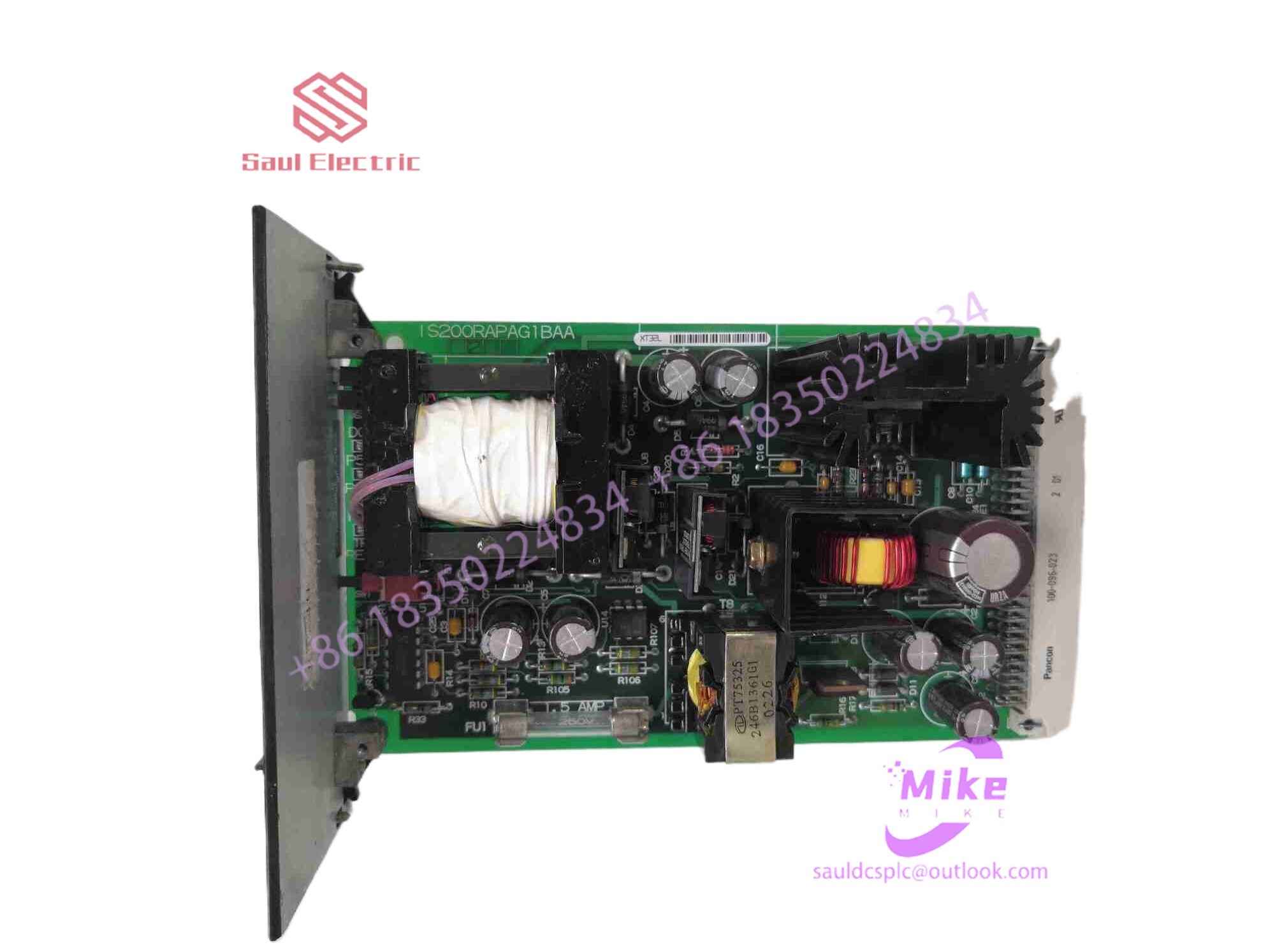

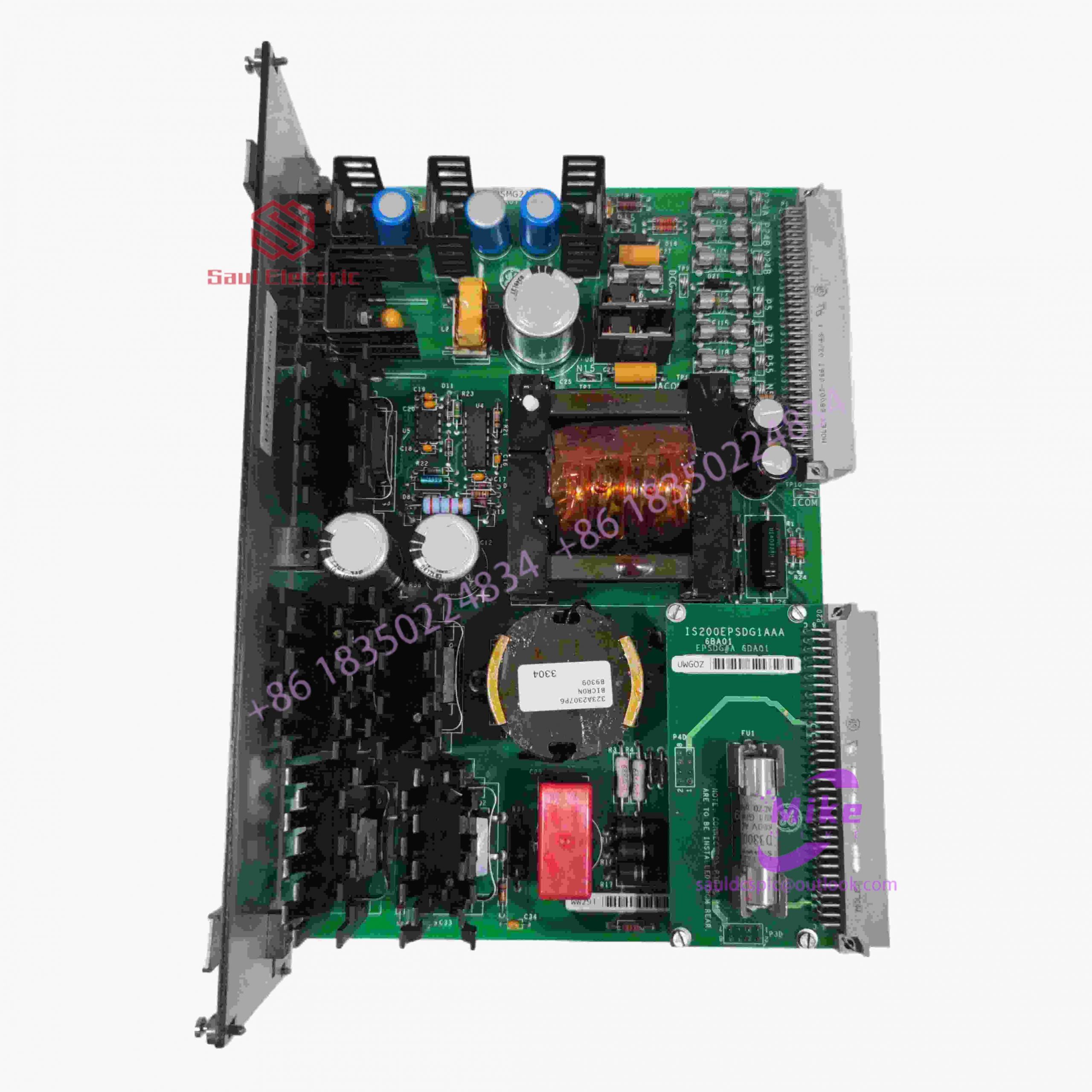
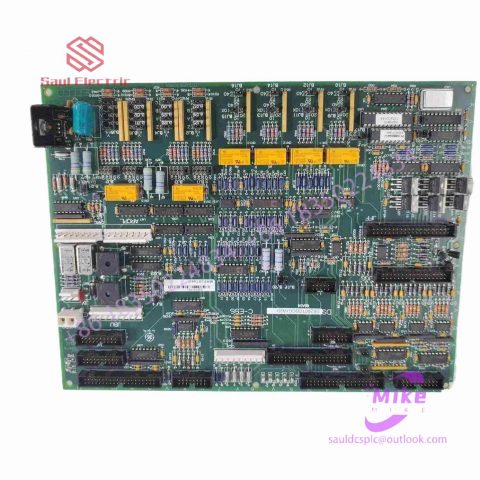
IS410JPDGH1A Turbine Control System
IS410JPDGH1A Product Introduction
Basic Information
Brand: GE (General Electric)
Model:IS410JPDGH1A
Part Number: IS410JPDGH1A
Series: Mark VIe Speedtronic Turbine Control System I/O Pack
Country of Origin: United States
Product Type: Discrete Input Module (Contact Input Module), also known as PDIA I/O Pack
contacts: Mike
+86 18350224834 (WeChat/WhatsApp)
Email:Mike18350224834@gmail.com
 Functional Overview
The IS410JPDGH1A is a 24-channel discrete (digital) input module in the GE Mark VIe control system. Its primary function is to collect discrete signals (contact open/close signals) generated by field devices such as sensors,
switches, and relays, convert them into digital signals that can be recognized and processed by the PLC or control system CPU,
and transmit the processed data to the GE Speedtronic turbine control system or other control equipment, enabling automated control and monitoring. Key Technical Specifications
Rated Voltage: 24.0 VDC (Nominal)
Maximum Rated Voltage: 28.6 VDC
Maximum Rated Contact Input Voltage: 32 VDC
Number of Input Channels: 24 Discrete Inputs
Operating Temperature Range: -30°C to +65°C
Environmental Adaptability: Passes rigorous environmental testing, capable of long-term stable operation in harsh industrial environments Compatible Terminal Boards
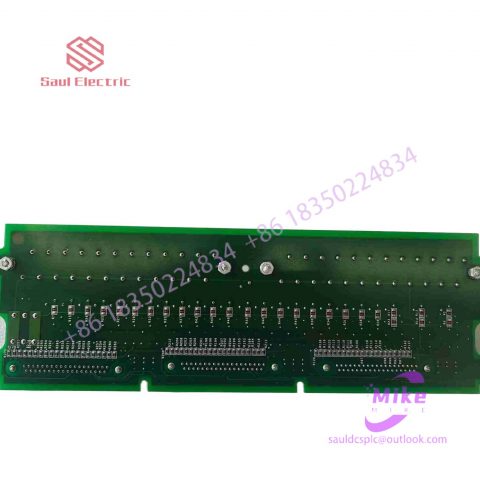
The IS410JPDGH1A can be paired with a variety of GE terminal boards, including but not limited to:
IS200STCIH1A / IS200STCIH2A
IS200STCIH8A
IS200TBCIH2C / IS200TBCIH4C
IS400STCIH1A / IS400STCIH2A / IS400STCIH8A
IS400TBCIH2C Certifications and Safety
This module is UL certified and can be used in both hazardous and non-hazardous locations. The UL certification covers various classes and divisions, and relevant UL mark documents are available for reference.
Nine Questions and Answers on Common Faults in ABB Industrial Robot Applications
Question 1: Under what circumstances do I need to back up my robot?
Answer: 1. After the new machine is powered on for the first time.
2. Before making any modifications.
3. After completing the modification.
4. If the robot is important, conduct it regularly once a week.
5. It is best to make a backup on a USB flash drive.
6. Delete old backups regularly to free up hard drive space.
Second question: What does the alarm message 10106 maintenance time reminder mean when the robot appears?
Answer: This is the intelligent periodic maintenance reminder of ABB robots.
Question 3: What should I do if the robot enters a system failure state when it is powered on?
Answer: 1. Restart the robot.
2. If it doesn’t work, check whether there is a more detailed alarm prompt on the teaching pendant and handle it.
3. Restart.
4. If it still cannot be lifted, try B startup.
5. If it still doesn’t work, try P startup.
6. If it still doesn’t work, try I startup (this will return the robot to factory settings, be careful).
Question 4: Can robot backup be shared by multiple robots?
Answer: No, for example, the backup of robot A can only be used for robot A, not robots B or C, because this will cause system failure.
Five questions: What files can be shared in the robot backup?
Answer: If the two robots are of the same model and configuration. You can share RAPID programs and EIO files, but they must be verified before they can be used normally.
Question 6: What is the mechanical origin of the robot? Where is the mechanical origin?
Answer: The six servo motors of the robot have a unique fixed mechanical origin. Incorrectly setting the mechanical origin of the robot will cause problems such as limited movement or malfunction of the robot, the inability to walk in a straight line, etc., and serious damage to the robot.
Question 7: How to cancel the robot 50204 motion monitoring alarm?
Answer: 1. Modify the robot action monitoring parameters (control panel – action monitoring menu) to match the actual situation.
2. Use the AccSet command to reduce the robot’s acceleration.
3. Reduce the v_rot option in the speed data.
Eight questions: What should I do if the robot alarms “50296, SMB memory data difference” when it is powered on for the first time?
Answer: 1. Select calibration in the ABB main menu.
2. Click ROB_1 to enter the calibration screen and select SMB memory.
3. Select “Advanced” and click “Clear Control Cabinet Memory” after entering.
4. Click “Close” when finished, then click “Update”.
5. Select “The control cabinet or robot has been exchanged, and the control cabinet is updated using SMB memory data.”
Question 9: How to customize the speed of robot trajectory in the RAPID program?
Answer: 1. Select program data in the main menu of the teaching pendant.
2. After finding the data type Speeddata, click New.
3. Click on the initial value. The meanings of the four variables of Speeddata are: v_tcp represents the linear operating speed of the robot, v_rot represents the rotational operating speed of the robot, v_leax represents the linear operating speed of the additional axis, v_reax represents the rotational operating speed of the additional axis, if there is no additional axis, then No need to modify the two.
4. The customized data can be called in the RAPID program.

There are no reviews yet.